 v1.2 release note
version 1.2 release note
ailia DX Insight 1.1 to 1.2 update guide
ailia DX Insight 1.1 and 1.2 have the same electronic certificate.
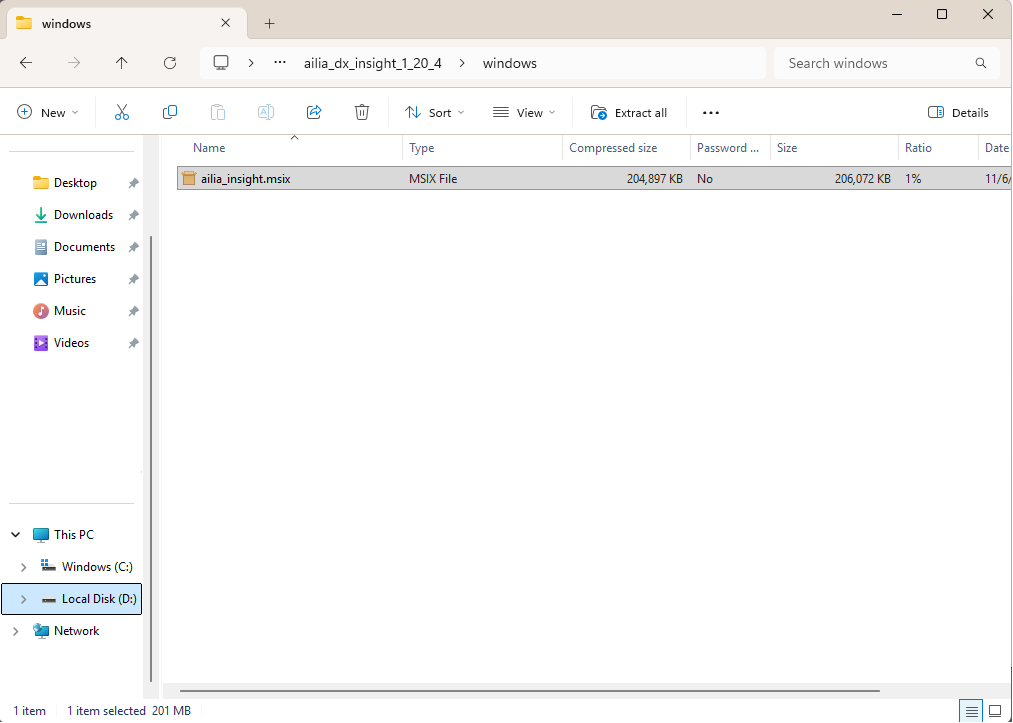
- For Windows, to update from ailia DX Insight 1.1 to 1.2, double-click "ailia_insight.msix".
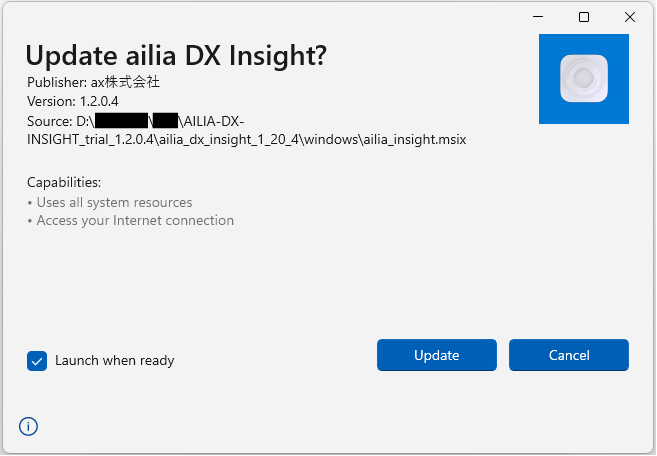
- A window will appear asking "Update ailia DX Insight?" Please select "Update".
- After ailia DX Insight 1.2 is installed, the application will be launched.
Additional features
AI chat
- Supported local LLM
- Markdown display support
- Added a button to copy code
- Added a feature to select the model upon sending
File viewer
RAG
- Added a mode for chatting with the entire text
- Added the ability to select multiple files and use DOC mode
Create minutes
Others
OpenAI model changes
- Removed GPT-3.5
- Supported GPT-4o mini
UI
- Displayed the expiration date of the license file in the config file settings on the settings screen
- Displayed before and after changes in proofreading and translation
- Added a button to select the entire image in image editing
improvement
- Accelerated document registration when using GPU
- Removed trailing whitespace during Excel import
- Improved translation accuracy for PDFs with text split within a single line
Bug fixes
- Fixed the issue where editing the translation command prompt displayed it as the proofreading prompt
- Fixed the problem of overflow when entering a large amount of text in the chat window
- Fixed the difficulty in widening the left and right margins of the chat history
- Fixed the issue where the system prompt is not applied in Gemini
- Fixed the problem that libllama.dylib cannot start on macOS 13 because it is built for macOS 14